
Restaurants · 9 Jul 2026 · 6 min read
Restaurant POS with KOT: what to look for before you buy
In a restaurant, the POS isn’t really about billing - it’s about whether the kitchen gets the right order at the right station at the right time. Judge every system by its KOT flow first.
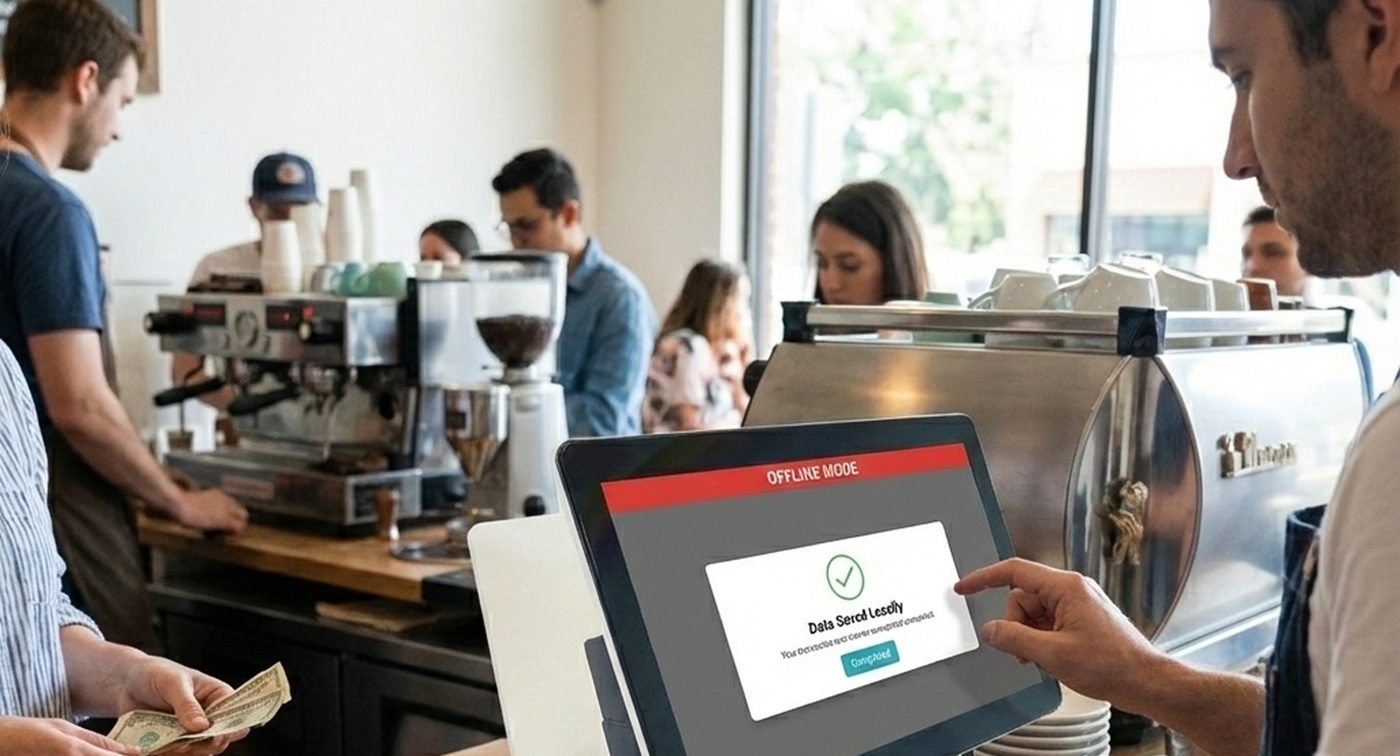
A restaurant POS demo always starts at the billing screen. That's the wrong place to look. Bills are the easy part - the hard part is the twenty minutes between "order taken" and "dish served", and that entire window lives or dies on the KOT flow. Here's what to check before you buy.
1. KOT routing: does each station get only its own items?
One table orders a tandoori starter, a main from the wok line and two drinks. A serious system splits that order automatically - multi-station KOT routing sends each item to its own kitchen printer or screen. If everything lands on one printer and a runner sorts it out, you're buying a bottleneck.
2. A kitchen display, not a paper trail
Paper KOTs get lost, smudged and disputed. A kitchen display system shows live orders, timing and status - the kitchen marks dishes as they move, and the front of house sees it without shouting through the pass. During a rush, that visibility is the difference between controlled pressure and chaos.
3. Orders from everywhere, one queue
Dine-in, QR orders from the table, Swiggy and Zomato - if each channel has its own tablet, your kitchen is juggling three queues at once. Aggregator orders should flow in via Urban Piper and land on the same KDS as everything else. One queue, one priority order, no forgotten tablet in the corner.
Watch a KOT fire from a table QR to the kitchen display in real time - on a live DINO setup.
4. QR ordering that carries payment too
QR ordering shouldn't stop at the menu. Guests scan, order and pay from their own phone - which shortens table turns and frees your staff from running card machines between tables. For payments at the counter, look for named EDC integrations: DINO works with Pine Labs, Payswiff, PhonePe and Razorpay terminals.
5. Waiters with handhelds, not notepads
A captain app lets waiters take orders at the table and fire the KOT instantly - no walk to a terminal, no transcription errors, and additional rounds are one tap. It's the cheapest speed upgrade a dining room can buy.
6. Recipes and ingredient-level inventory
Food cost is where restaurants quietly bleed. With recipe management, every dish sold deducts its actual ingredients from stock - so you know your theoretical consumption versus what the kitchen actually used, and wastage stops being a guess.
The buying test
Ask every vendor to run one scenario end to end: a table scans a QR, orders three items for different stations, a Zomato order arrives mid-way, and one dish is modified after firing. If the system handles that without a human patching the gaps, it passes. That scenario is an ordinary Tuesday.
DINO by NukkadShops was built around exactly this flow. See the full restaurant picture on our restaurants page, or book a demo below.